How to buy a domain name at Scaleway
A domain name is the equivalent of your postal address on the web, and allows your users to find your website. Scaleway offers you the possibility of buying a domain name with or without web hosting. Depending on availability, you can buy the domain name and extension (.com, .fr, .net etc.) of your choice.
Before you start
To complete the actions presented below, you must have:
- A Dedibox account logged into the console
-
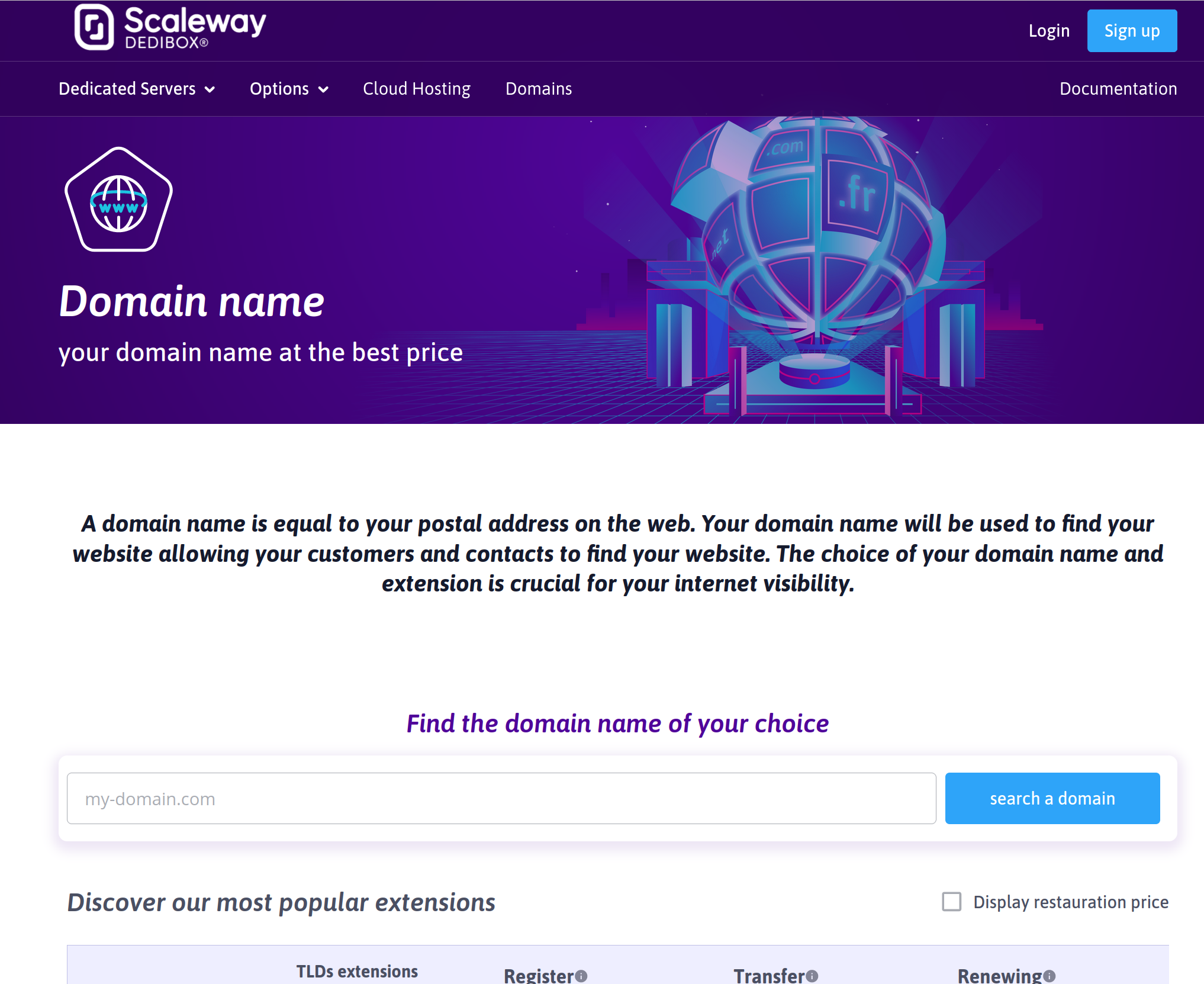
In your browser, navigate to the domain name order page.
-
Enter the domain name of your choice in the search bar and click search a domain. The Domain name choice page opens, showing whether the domain is available and for which extensions.
-
Select an available domain-name/extension combination from the list by clicking the checkbox next to it.
-
Scroll to the bottom of the page and click Order. The Hosting page opens.
-
Select a web hosting package, or choose to proceed with no hosting. You can also add a hosting backup if you wish.
-
Scroll down to the bottom of the page and click Order.
-
If you did not select hosting backup, a confirmation dialog box may appear. Click Continue without backup or Add backup. The Contact information page opens.
-
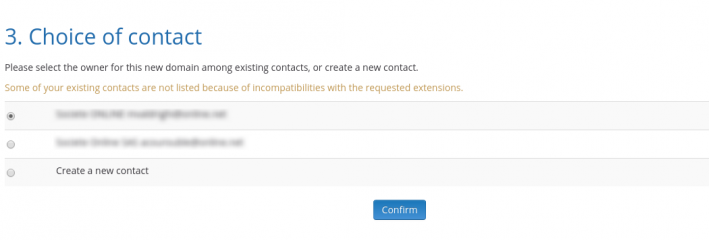
Select the domain owner from your existing contacts, or choose to create a new contact.
-
Scroll down to the bottom of the page and click Confirm.
If you choose to create a new contact, enter their details, then click Create Handle. The Summary page opens.
-
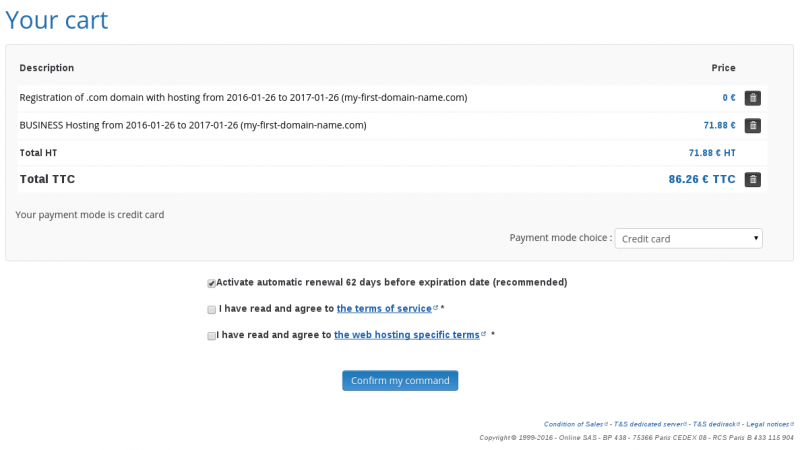
Check the summary of your order and select a payment mode from the drop-down menu. You must also agree to the terms of service and web hosting specific terms, and choose whether to activate automatic renewal of your domain.
-
Scroll down to the bottom of the page and click Confirm my command. You are redirected to the payment gateway to complete your payment.